You do not need a Firestick or a box to watch CatchON TV on a modern Samsung or LG television. A player from the TV’s own app store does the job. This guide takes about 10 minutes, most of it spent on a one-time activation.
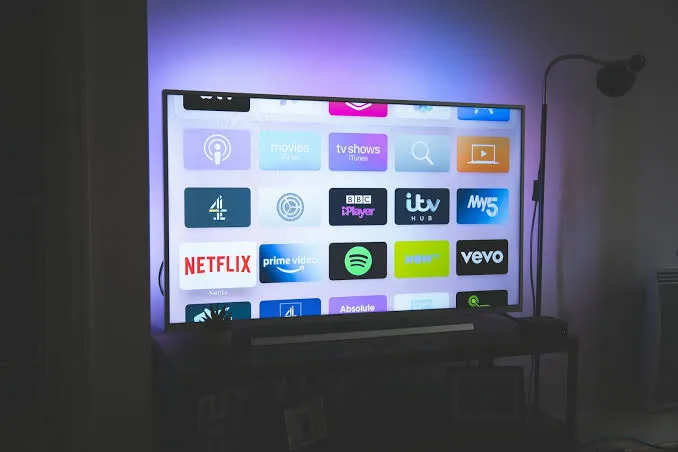
Smart TV players work a little differently from phone apps. Instead of typing your login on the TV remote, you usually add your playlist on the player’s website from a phone or computer, using an ID shown on the TV screen. It saves a lot of clicking with the remote.
| App | Samsung | LG | Notes |
|---|---|---|---|
| IBO Player Pro | Yes | Yes | Our top pick, simple and fast |
| IPTV Smarters Pro | Yes | Yes | Familiar if you use it on a phone |
| Other playlist players | Varies | Varies | Check your TV store |
We use IBO Player Pro in the steps below because it is in both stores and easy to activate.
Good to know: most Smart TV players offer a free trial and then ask for a small one-time activation fee. That fee goes to the app developer, not to CatchON TV, and it is separate from your subscription.
Samsung TVs from about 2018 onwards (Tizen) and LG TVs running webOS 4.0 or newer work well. Older models may not have the app in their store. If yours does not, a Firestick or an Android TV box is an inexpensive way to add it.
Sony, Philips, TCL and Hisense TVs that run Android TV or Google TV follow the Android guide instead.
Still having trouble? Our troubleshooting guide covers sign-in errors, buffering and missing channels, and the FAQ answers common questions about connections.
 CatchONTV