Android is the easiest platform for CatchON TV. The best players are in the Google Play Store, so there is nothing to sideload. This guide works for Android TV, Google TV, Nvidia Shield, Mi Box, Android boxes, phones and tablets.
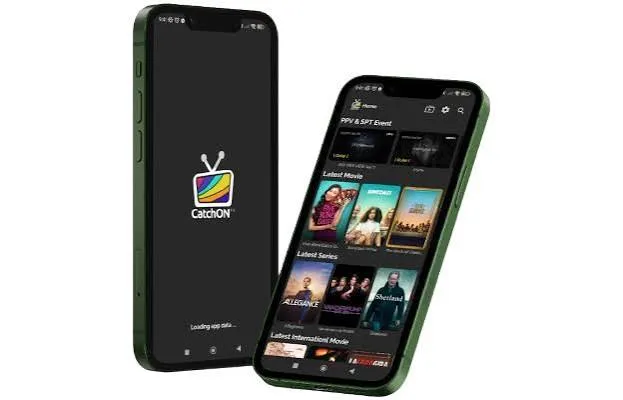
On a TV or box, TiviMate gives the most television-like experience, with a full grid guide and fast channel changes. On a phone or tablet, IPTV Smarters Pro is easier to use with a touchscreen. Both accept the same CatchON TV login.
Tip: on phones, long-press each field and paste your login from the email. It avoids the automatic capital letter that phone keyboards add to the first character.
Any Android TV or Google TV device from the last few years handles HD and 4K streams well. Nvidia Shield, Chromecast with Google TV and recent Mi Box models are particularly smooth. Very cheap unbranded boxes can struggle with 4K sport, so a branded device is worth the small extra cost.
Sony, Philips, TCL and Hisense televisions running Android TV or Google TV follow this guide too. Samsung and LG use their own systems, covered in the Smart TV guide.
TiviMate Premium supports recording to the device’s storage. Other players may not offer it.
Boxes behind a TV often get a weak signal. Use Ethernet or a 5 GHz network for live sport. Our troubleshooting guide has more fixes.
Install the app on as many devices as you like. Your plan sets how many watch at the same time. Compare plans on the CatchON TV subscription page.
 CatchONTV