Apple devices do not have a dedicated CatchON TV app, but several well-made IPTV players in the App Store work perfectly with your login. Setup takes about 5 minutes on each device.
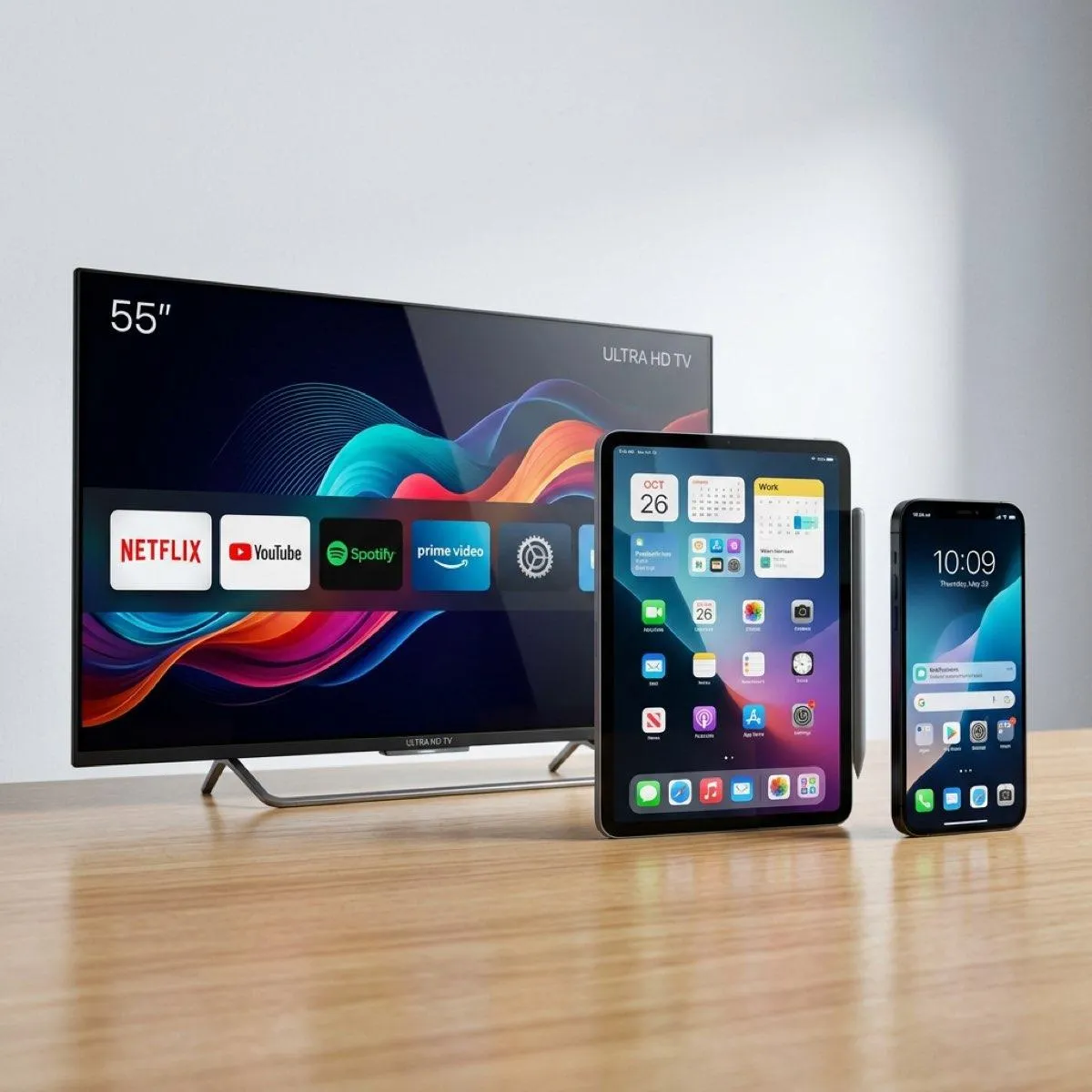
Apple reviews every app in its store, so IPTV players there are safe to install. They are only players: they hold no channels until you add your CatchON TV login. Our favourite is GSE Smart IPTV, which runs on iPhone, iPad and Apple TV. Mobile versions of IPTV Smarters are another good choice.
Tip: many Apple players also accept the M3U link. Use it only if Xtream Codes is not available, because Xtream Codes loads movies, series and the guide more reliably.
You can also play a channel on your iPhone and send it to an Apple TV or an AirPlay-compatible Smart TV. Tap the AirPlay icon in the player. For long viewing, a player installed directly on the TV gives better quality and does not drain your phone battery.
Apple does not allow IPTV services of this type to publish their own apps. That is why every IPTV provider on iOS uses third-party players.
Some players are free with ads or limits, and others charge a small fee to unlock all features. This is paid to the developer, not to CatchON TV.
For problems with sign-in or buffering, see the troubleshooting guide. To compare connections for your household, visit the pricing page.
 CatchONTV